
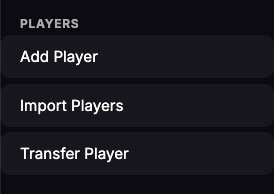
Navigate to the Players section on the left sidebar and select “Import Players”.
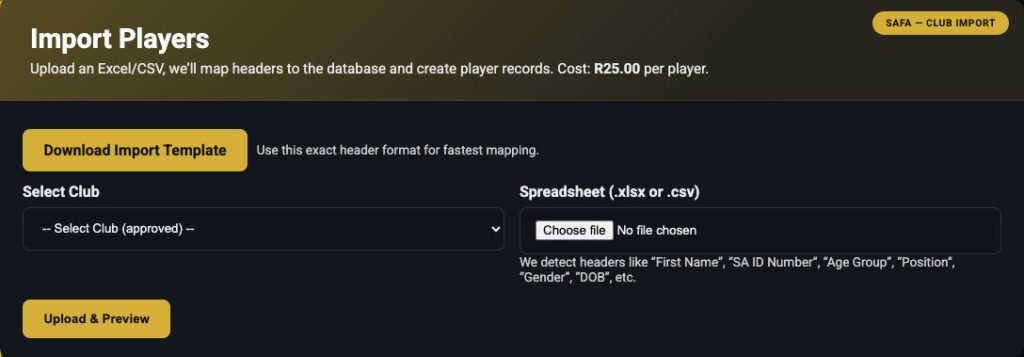
Select “Download Import Template” to download an Excel Spreadsheet.
When populating in the spreadsheet, you can leave the first two rows as is and start on row three. This way, you can see the examples as you go along.
For best results, use “U15” for Under 15 or “U17” for Under 17, and use “M” for Male and “F” for Female.
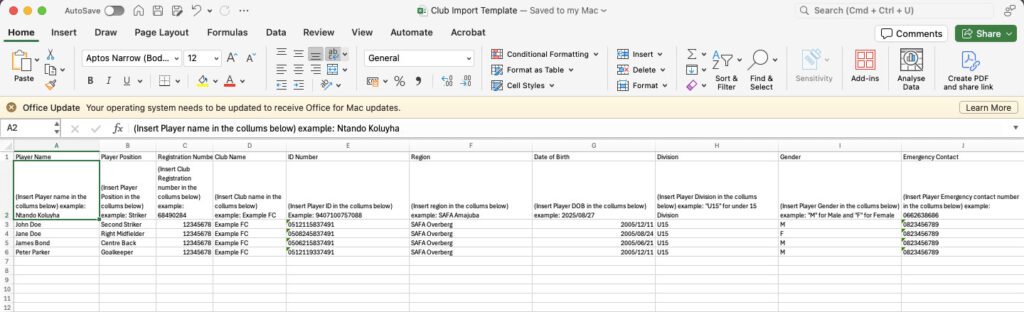
Save your file.
On the registration portal, select the club you wish to upload the players to from the dropdown menu, attach your saved Excel Spreadsheet, and select “Upload & Preview”.
All your players will be displayed in a list view. Attach each player’s photo and identification documentation.
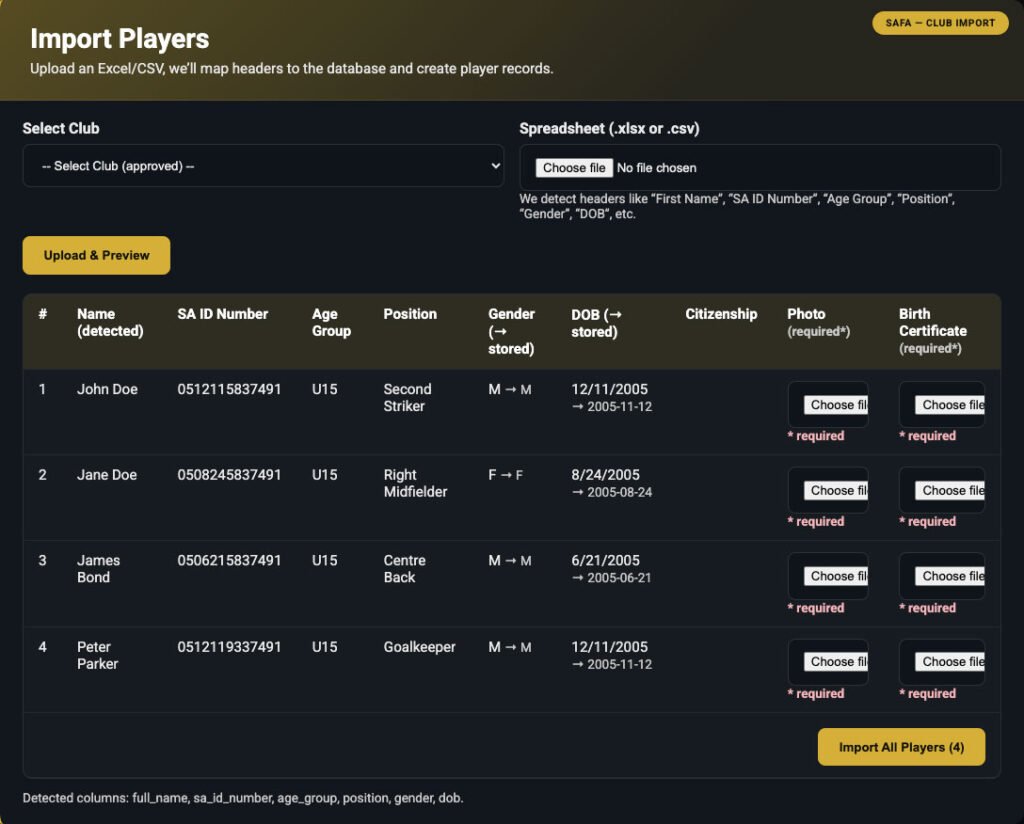
Click on “Import All Players” when you’re done.